
How I Learned to Edit Videos Without Overcomplicating Everything
Vegy Januarika
1/8/20264 min read
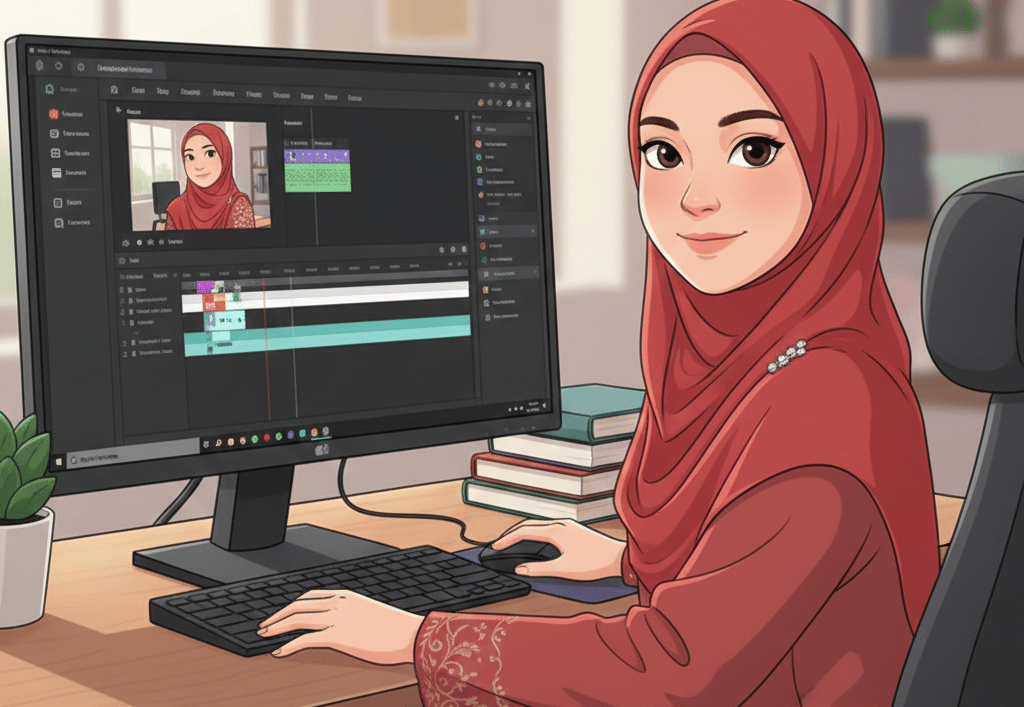
I did not start editing videos because I loved filmmaking.
I started because I wanted to build my personal presence online.
I had ideas I wanted to share. I wanted to post videos. I wanted my content to look decent enough that people would actually take it seriously. But every time I opened a video editing app, I felt like I was doing something wrong.
There were too many buttons. Too many panels. Too many words that felt technical and intimidating.
Timeline. Layers. FPS. Resolution. Keyframes.
After a while, I started telling myself that video editing just was not for someone like me.
Then I tried CapCut.
And for the first time, editing felt possible.
Not impressive. Not advanced. Just possible.
This is not a guide for professional editors. This is for people like me who want to create videos but feel overwhelmed, confused, or quietly embarrassed every time they open an editing app.
You do not need better skills. You need a calmer way to start.
Why Editing Felt Impossible at First
I do not think beginners quit because they are lazy.
I think they quit because the tools expect too much too soon.
You open an app, import a clip, and suddenly face a blank timeline. No instructions. No direction. Just empty space and dozens of buttons that all look important.
That blank space is not freedom. It is pressure.
CapCut felt different because it did not ask me to understand everything first. It helped me finish something quickly. And finishing one small video changes how you feel about editing entirely.
Fear disappears once you complete something.
Why CapCut Worked for Me
I am not someone who enjoys technical software. If something feels complicated, I lose interest fast.
CapCut felt approachable right away.
The layout made sense. The tools were easy to find. Editing on my phone did not feel limiting. I did not need to understand technical terms to get a decent result.
I could open the app, add a clip, insert text, choose music, and export in minutes.
That first small win mattered more than I expected.
Why I Stopped Avoiding Templates
I used to think templates were lazy.
I thought real creativity meant starting from nothing.
That belief only slowed me down.
Templates are not shortcuts in a bad way. They are examples. They show pacing, structure, and flow before you understand why those things work.
CapCut has plenty of templates made by other creators. Starting from one that already looks good removes a lot of pressure. I did not have to decide everything. I just had to adjust.
Over time, I changed more and more. Eventually, my videos stopped looking like templates and started looking like mine.
Consistency also became easier, which helped more than I expected.
My Editing Process Is Intentionally Simple
When I first started, I tried to do too much. Too many effects. Too much text. Too many ideas in one video.
It looked crowded and exhausting.
Now I follow a very simple process.
First, I choose one clip that clearly delivers the message.
Then I trim anything that does not add value.
I add text only if it helps clarity.
I choose one sound or music track.
Then I export and move on.
My rule is simple. Edit. Export. Do not obsess.
CapCut supports this flow because everything is easy to reach and nothing feels hidden.
Text Matters More Than Effects
I used to think effects made a video interesting.
They do not.
Clear text does.
A simple sentence can make an ordinary clip meaningful. Effects can enhance a message, but they cannot replace clarity.
I keep my text large, readable, and minimal. I limit fonts and avoid decoration unless it serves the message.
If the text is clear, the video works.
You Do Not Need Better Equipment
I delayed starting because I thought I needed better tools.
A better phone. A camera. Lighting.
I was wrong.
Editing and pacing matter far more than equipment. A simple phone video with clean cuts and readable text often performs better than a high-quality video that feels confusing.
CapCut keeps the focus on storytelling, not gear.
Learning Without Feeling Embarrassed
One of the biggest reasons CapCut worked for me was emotional.
It felt safe.
I could make mistakes without feeling stupid. I could undo things instantly. I could export multiple versions without pressure.
When fear is low, curiosity grows. That is where real learning happens.
Consistency Changed Everything
I have seen people grow faster than me with less skill simply because they posted consistently.
Not perfect videos. Not cinematic ones. Just finished videos.
CapCut makes consistency realistic. Editing is fast. Reusing formats is easy. Over time, patterns form and style develops naturally.
Progress comes from repetition, not talent.
Growing Without Switching Tools
Some beginner apps feel limiting once you improve.
CapCut did not.
As I became more comfortable, I explored more features naturally. Speed changes. Keyframes. Effects. They were already there when I needed them.
I did not have to switch tools. I just grew inside the same one.
What I Gained Beyond Editing Skills
The biggest change was not technical.
It was confidence.
Confidence to post imperfect work. Confidence to experiment. Confidence to learn publicly.
Fear was the real obstacle, not skill.
Once that fear faded, learning felt natural.
Final Thought
If you are waiting until you feel ready to start editing videos, you will probably wait forever.
I learned by opening the app, making small edits, and finishing imperfect videos.
That is how it starts.
Not by thinking.
By doing.